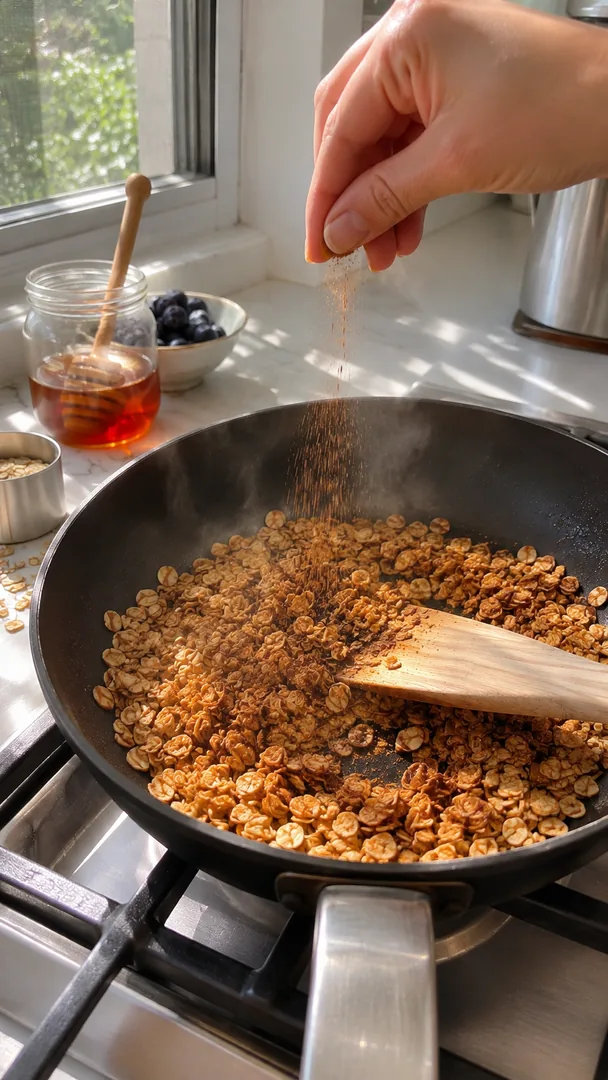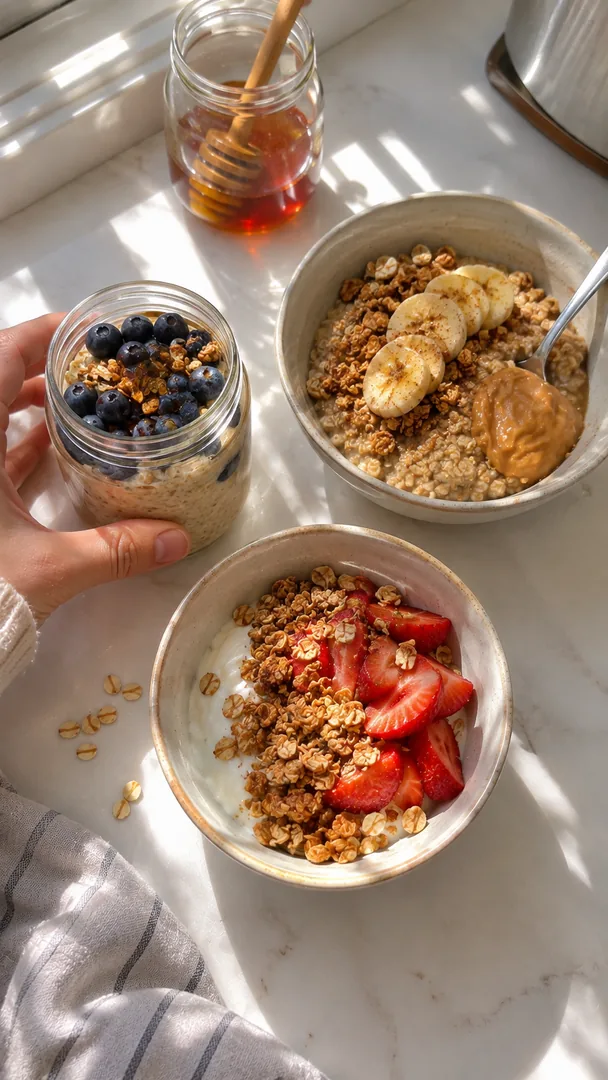
Faceless YouTube Short
@GENRA Make a 30-second faceless YouTube Short about 3 breakfasts that keep you full until lunch. Same calm host in every shot, one short caption per shot, vertical 9:16. Show me the plan first.
Videos, images, voiceovers and finished edits, made by asking. Works on Claude's free plan. One command in your terminal. One link for any app that speaks MCP.
Set up GENRA for me so I can make AI videos, images and voiceovers from here.
1. Run: claude mcp add --transport http --scope user genra https://trygenra.com/mcp
2. Then tell me to type /mcp, pick genra and sign in to GENRA in the browser window that opens.
https://trygenra.com/mcp
Your app opens GENRA so you can sign in.
@GENRA Make a 30-second faceless YouTube Short about 3 breakfasts that keep you full until lunch. Same calm host in every shot, one short caption per shot, vertical 9:16. Show me the plan first.
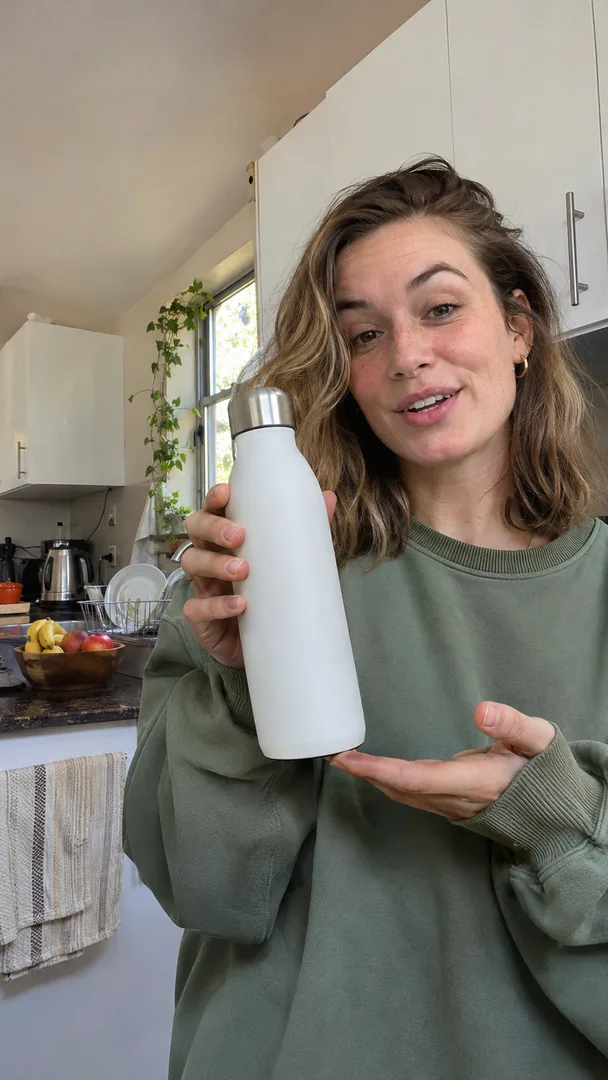
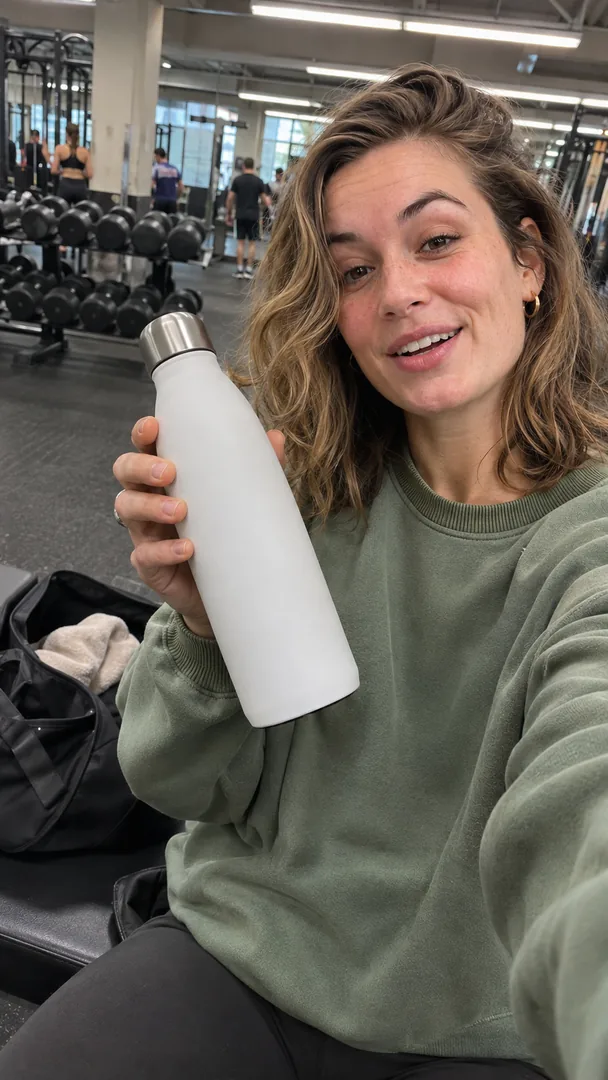
@GENRA Make 3 UGC-style ads for my insulated water bottle, for people who go to the gym. Same creator in every shot, a different hook in each, 15 to 20 seconds, 9:16, captions on. Show me the hooks before you start.
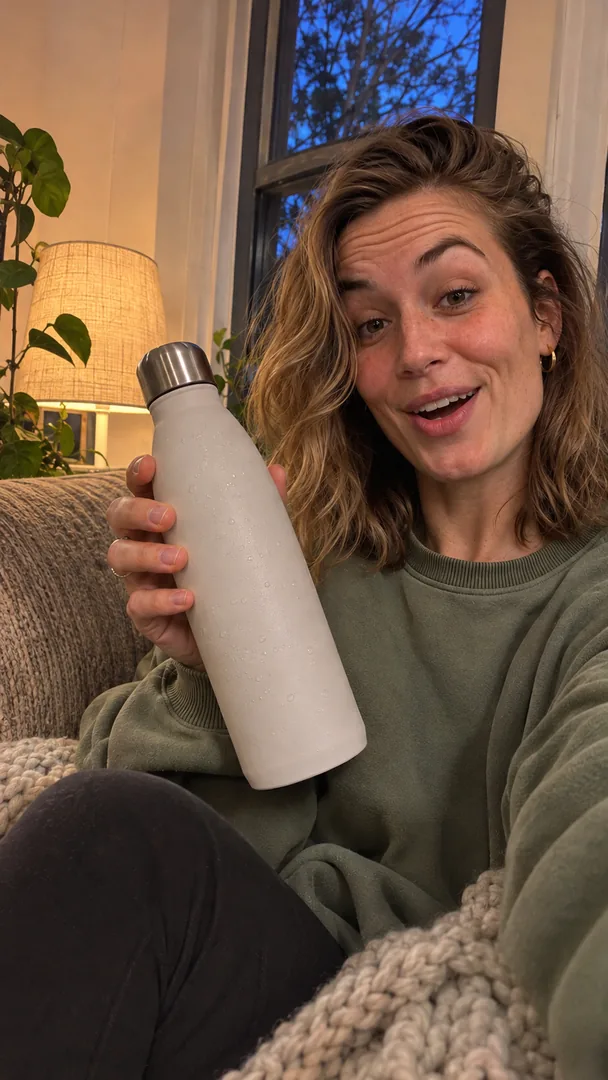
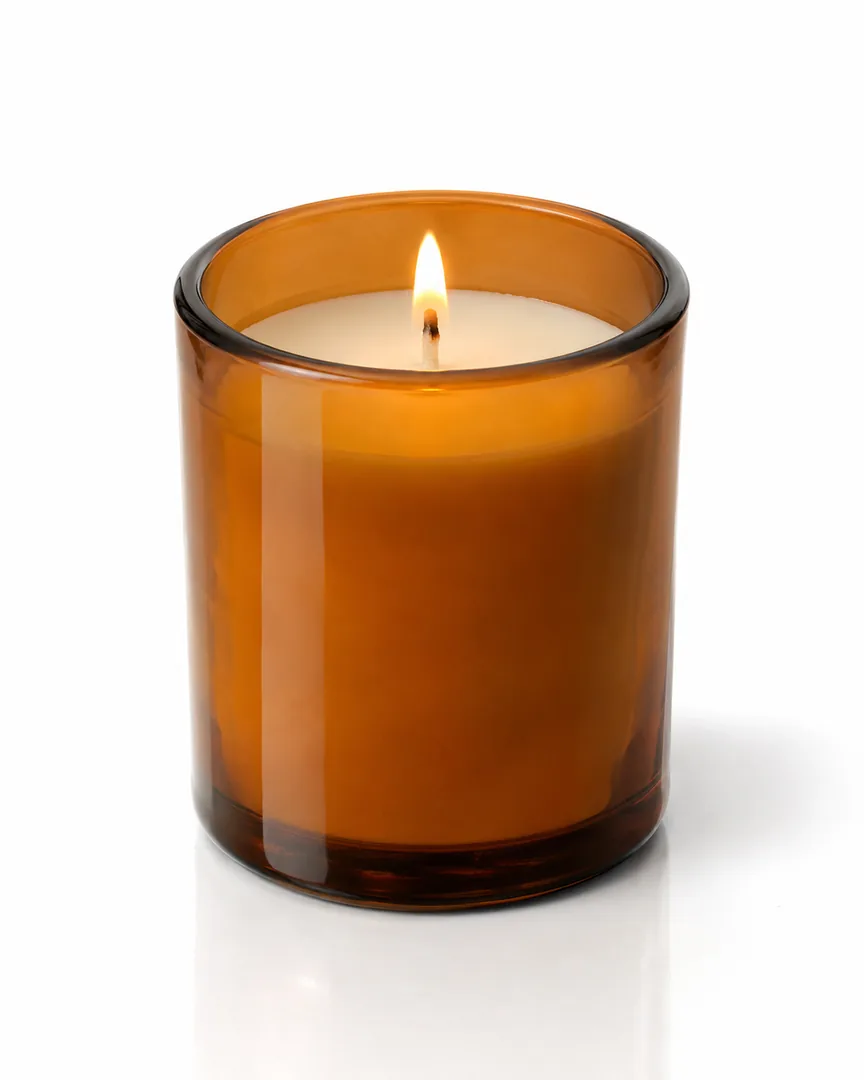
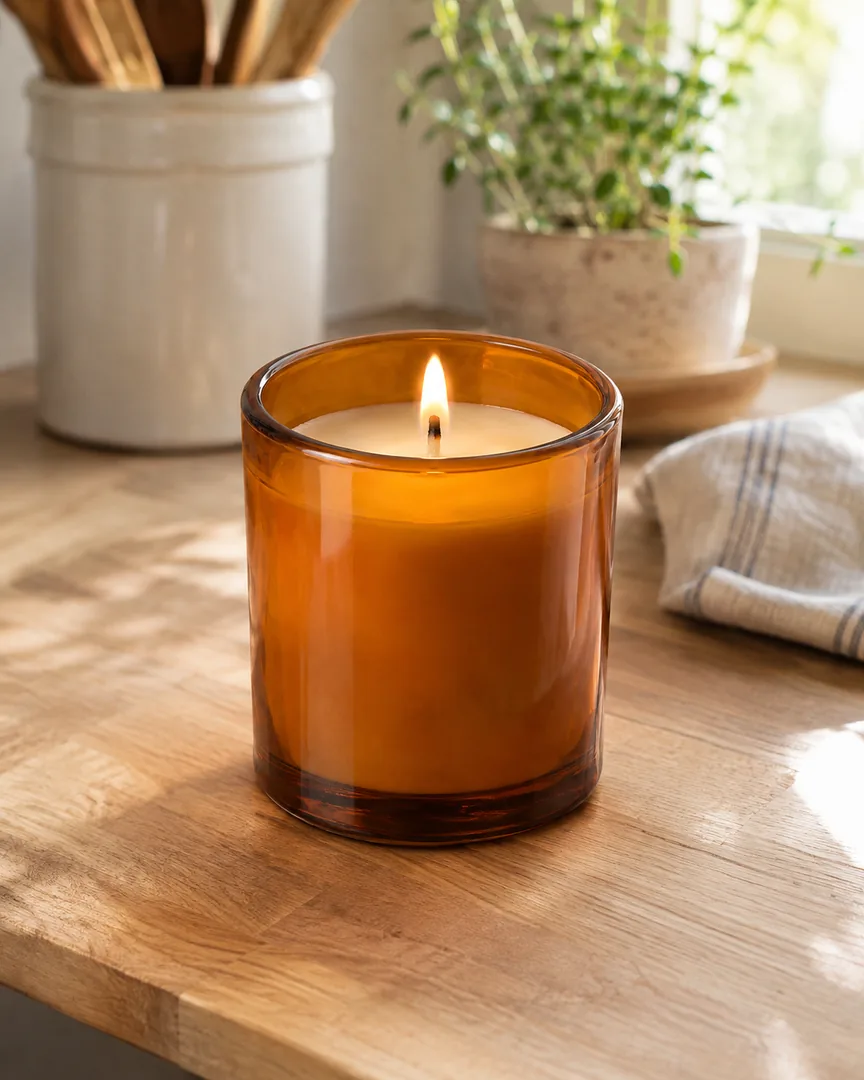
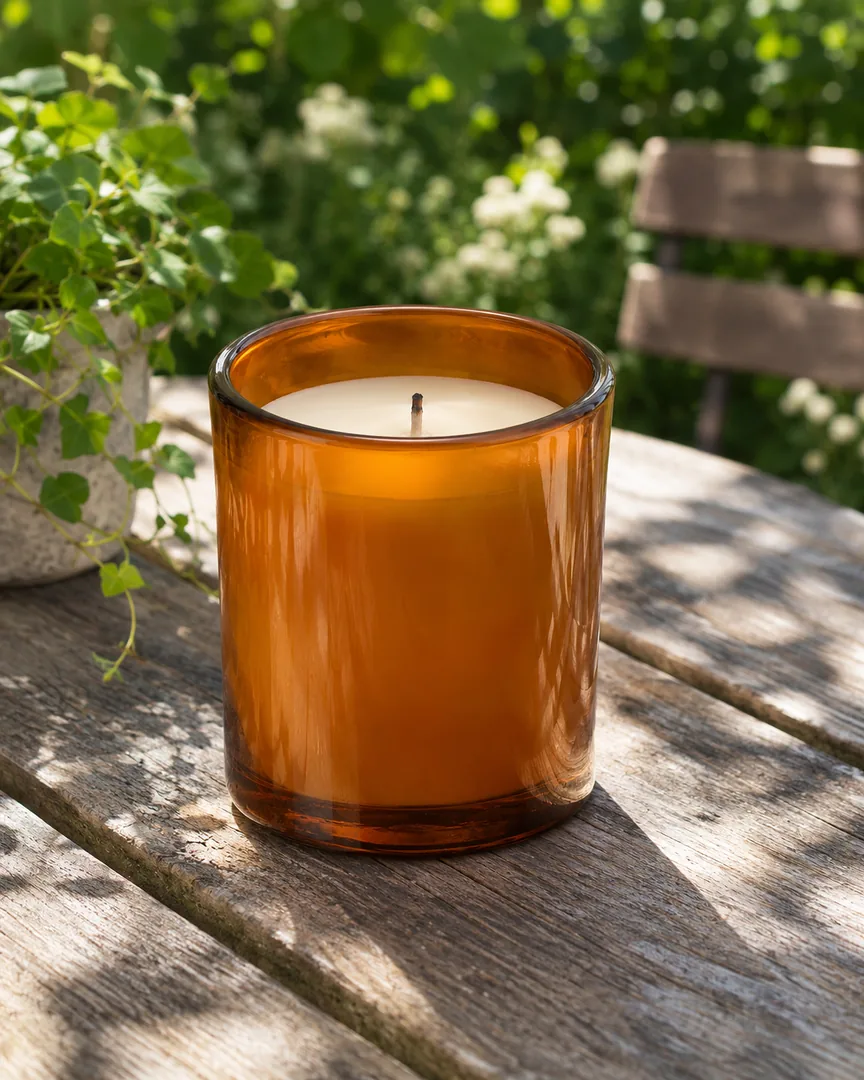
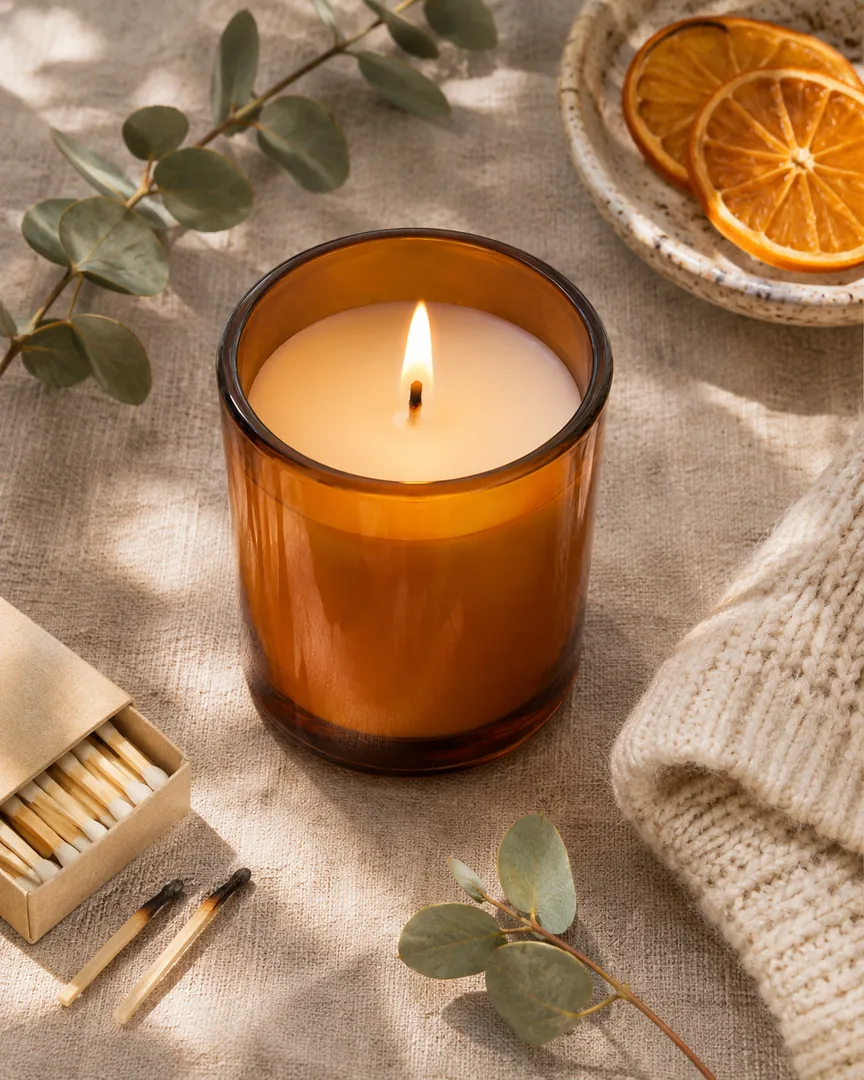
@GENRA I will attach a photo of my candle. Make 4 product photos that keep it looking exactly the same: white studio, kitchen counter, outdoors in daylight and a flat lay with props. 4:5 for social.
@GENRA Turn my script into a natural voiceover. Show me the voices first so I can pick one, then give me the MP3. Here is the script:
@GENRA Join my last 4 clips into one vertical video, in order, with a short caption on each clip and my voiceover laid over the top. Keep the clips' own sound low under the voice.
@GENRA Post my latest GENRA video to my YouTube channel as a Short. Write the title, description and tags, check it with the publish kit, and wait for my OK before you click Publish.
Illustrations of what each request makes, not real output.
Creator-style ads for your product: a different hook in each, the same creator in every shot, captions on.
A 25 to 40 second vertical reel with one consistent host, a hook up front and a call to follow at the end.
Four photos from one picture of your product: studio, kitchen counter, outdoors and flat lay, with the product kept the same.
Title, description and tags written for you, checked against YouTube limits, then uploaded in your own browser after you say yes.
A caption with a hook and hashtags, then the Reel is posted or scheduled in your own browser once you confirm.
Joins your clips in order into one finished video, with a caption per clip and an optional voiceover on top.
Turns a script into a natural voiceover. Pick a voice from the list and get an MP3 back.
Re-speaks a recording in another voice and keeps the timing, so lip sync still lines up.
Images from a prompt, or edits of your own pictures. Add reference images to keep a host or product the same.
A video clip from a prompt, or from a start image such as your product photo. 9:16 for Reels, 16:9 for YouTube.
Checks a finished video and its title, caption, tags and schedule against platform limits, and gives you click-by-click steps.
Nothing matches that. Try "voice", "post" or "photo".
 Your photo